

Report
Return on Investment (ROI) Analysis of Swimlane Security Automation
Read More




Most Commonly Deployed Use Cases

Beyond the SOC Use Cases: Take Automation to the Next Level
The AI Automation ROI Calculator estimates the annual cost reduction and time savings a security team gains when Swimlane Turbine automates security workflows. It answers one question: if the platform executes a given volume of automated actions every day, what would that same workload cost a human workforce to perform, and what does your organization stop paying?
The calculator returns three measurements:
• Cost savings, shown per year, per month, and per day
• Working time returned to your team, shown in hours per year, month, and day
• Virtual analysts added, which converts saved hours into full-time analyst equivalents
Switch on “Incorporate AI Savings,” and the calculator reports a second set of figures covering productivity gains from artificial intelligence and machine learning. Those numbers stay separate from the automation numbers on purpose. Workflow orchestration and AI-driven analysis produce different kinds of value, and mixing them hides which investment is doing the work.
Every result is a directional estimate built on benchmark assumptions, not a quote or a guarantee.
Run the calculator to size the opportunity. Then measure real performance against these metrics.
• Actions automated per period, which is your raw automation volume
• Analyst hours returned, calculated as actions multiplied by the working time each one used to take
• Mean time to detect and mean time to respond, before and after implementation
• Percentage of alerts closed without human touch
• Cases handled per analyst per shift, which shows workforce capacity gained
• Headcount avoided against your hiring plan, not headcount removed
• Tool spend displaced by consolidated workflow and case management
• Payback period, calculated as total implementation and licensing cost divided by monthly quantified returns
Measure a baseline before deployment. Without it, you will spend the first review arguing about what the “before” number was.
These two savings streams come from different mechanisms, and conflating them produces numbers no finance team will accept.
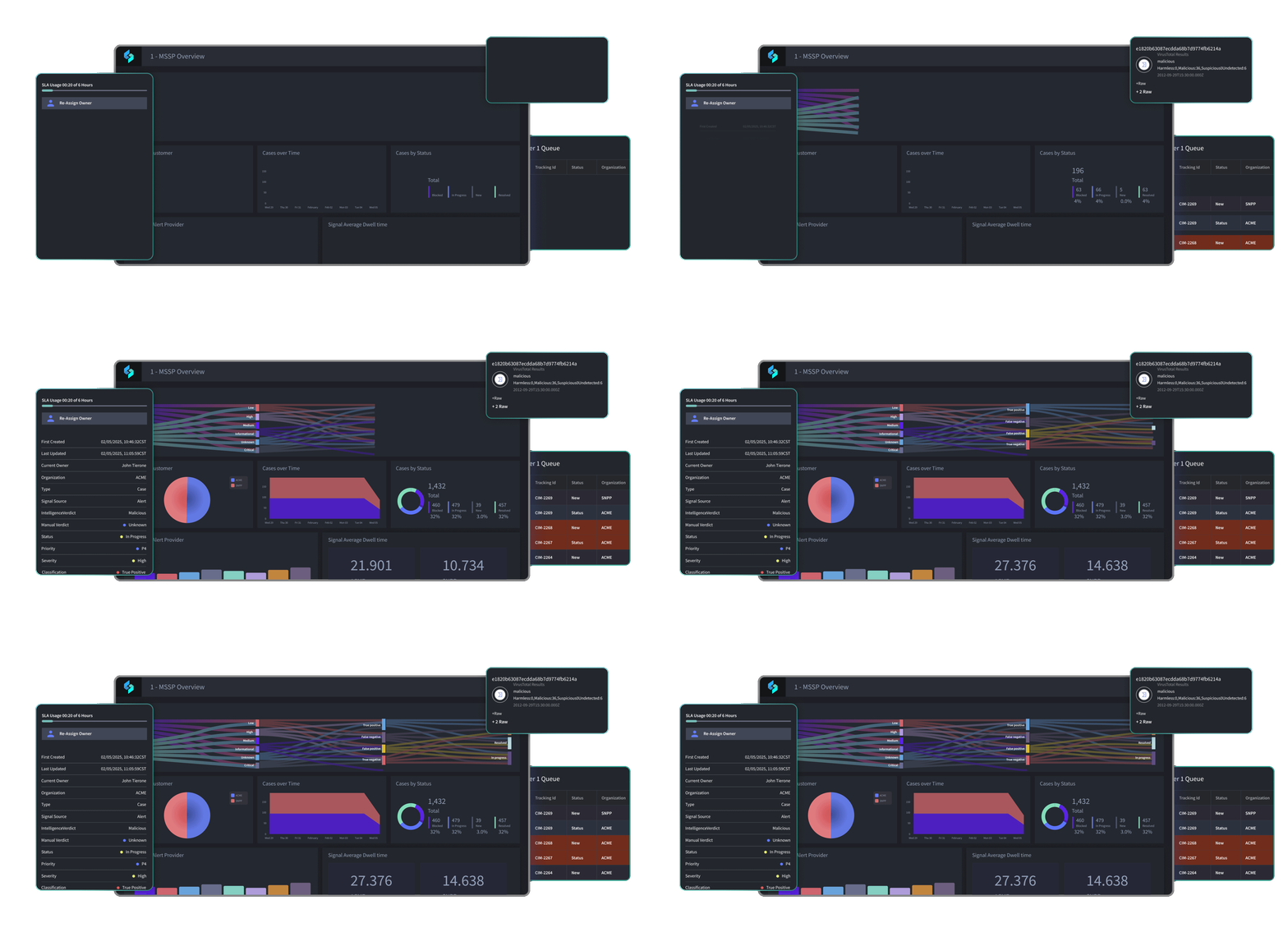
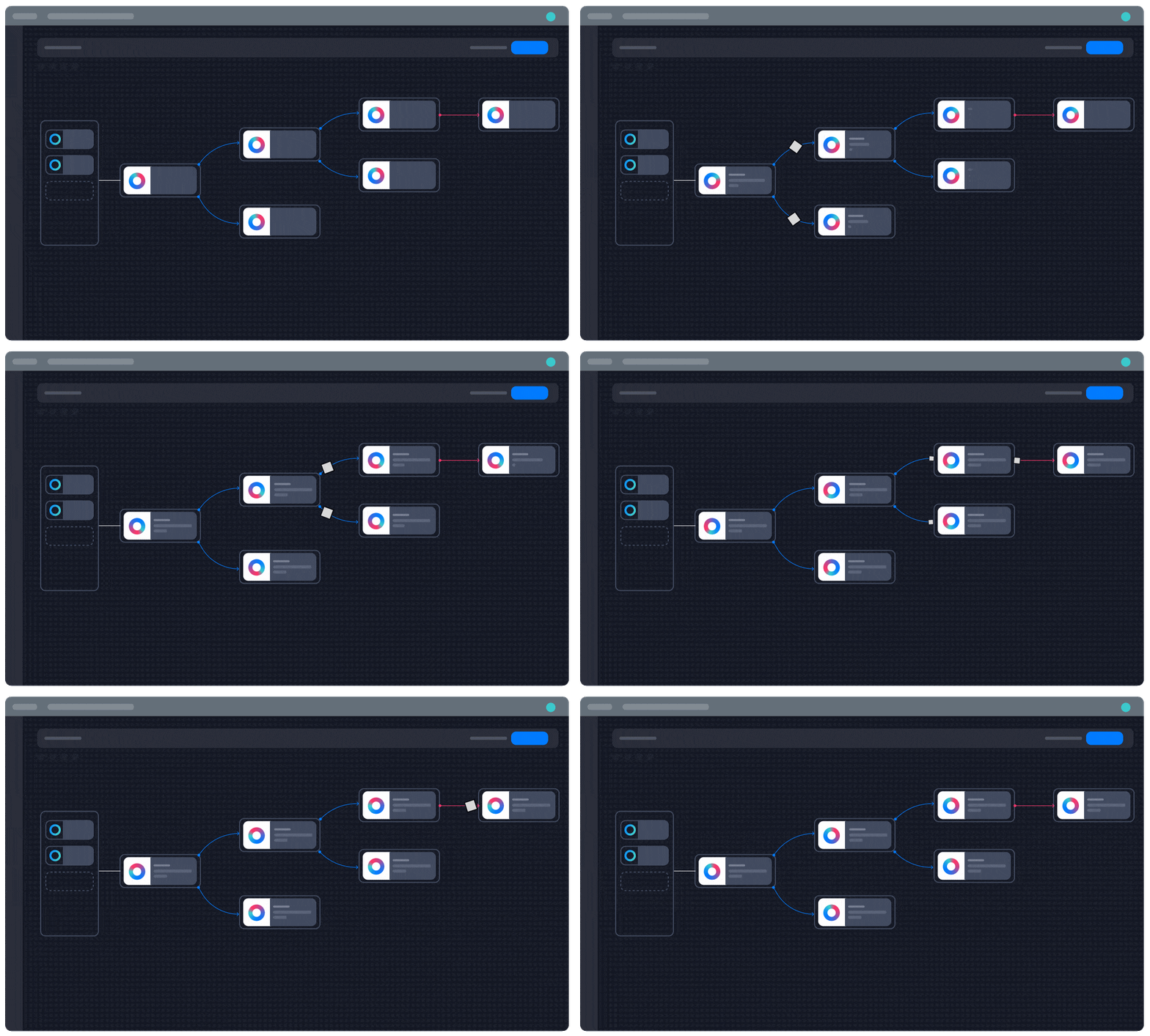
A playbook executes the same sequence of actions the same way every time. You can count the actions, measure the working time each one replaces, and price it. The result is auditable. This is where orchestration earns its keep, and it is what the primary calculator output measures.
Artificial intelligence and machine learning accelerate the judgment work between automated steps: summarizing an investigation, correlating weak signals across data sources, recommending a response, and drafting the case narrative. The gain is real and often large, but it varies by analyst, alert type, and how far your team has advanced in AI adoption.
Security automation reduces cost through a specific mechanism: it moves repetitive tasks off the workforce and onto the platform, then reinvests the recovered capacity.
A security operations center runs on a steady stream of small, structured tasks. An alert fires. Someone checks an IP address’s reputation, pulls host data from the endpoint tool, queries the identity provider, opens a ticket, updates a case, and notifies an owner. Each task takes a few minutes. Multiplied across thousands of alerts, those minutes become the majority of a team’s working time.
Orchestration changes the economics of that business process in four ways.
When the platform absorbs the task volume, the team handles growth without adding headcount. Smaller teams carry lower training, tooling, and support costs per year.
Automation that handles workflow, inventory, and case management can displace spend on adjacent platforms, including ITSM tools.
Faster containment reduces the number of events that escalate into incidents requiring forensic, legal, or external response support.
The calculator on this page measures the first of those four directly. The other three show up in the full TAG Cyber analysis and in your own procurement model.
An independent analysis conducted by TAG Cyber, led by Dr. Edward Amoroso, applied its ROI methodology to Swimlane Turbine and modeled two enterprise scenarios using deliberately conservative estimates that excluded all qualitative benefits.
• A mid-sized retail company running a mid-sized SOC: a $500,000 annual platform investment against $1.3 million in modeled annual returns, producing 160% ROI in one year.
• A Fortune 100 financial services company running a larger SOC: an $800,000 annual platform investment against $2.7 million in modeled annual returns, producing 240% ROI in one year.
The calculator applies the return on investment methodology TAG Cyber developed for commercial cybersecurity solutions and published in its independent analysis of Swimlane security automation. That methodology normalizes costs and returns onto a common financial basis and states the relationship as a single annual equation:
Annual incurred costs + ROI = annual quantified returns
TAG Cyber groups incurred costs into platform licensing fees, deployment costs, and maintenance costs. It groups quantified returns into staff salary savings, staff support savings, tool savings, and response cost savings. The calculator on this page models the returns side of that equation, and it does so conservatively.
What the estimate includes:
• Analyst working time recovered from automated tasks, priced at the salary you enter
• Productivity gains from AI and machine learning, reported separately when you enable them
• Industry benchmark assumptions for task mix and alert volume
What the estimate excludes:
• Swimlane licensing, deployment, and maintenance costs, which vary by contract
• Avoided incident response and breach costs, which depend on your threat profile
• Tool consolidation and infrastructure savings
• Qualitative benefits such as reduced analyst burnout, faster decision-making, and improved audit readiness
Because the model leaves out licensing on the cost side and leaves out incident avoidance and tool consolidation on the returns side, treat the output as a starting point for a business case rather than a finished one. Your procurement team will need the licensing figure to calculate a true payback period.
ROI comes from the workflows you automate. These are the tasks security teams hand to Turbine first.

Turbine pulls reputation, asset, identity, and threat intelligence data the moment an alert lands, so analysts open a case that is already contextualized.

Reported emails get parsed, detonated, scored, and resolved without an analyst opening the mailbox.

Turbine assembles the timeline, correlates related alerts, and maintains the system of record that management and auditors rely on.

Automated isolation, account disablement, and blocklist updates cut the working time between detection and containment.

Turbine routes findings to owners, tracks remediation, and escalates on SLA breach.

Automated reporting replaces the manual data collection that consumes analyst and management time every month, and it gives leadership a current view of SOC performance.
Automation value does not stop at the SOC. Teams extend the same playbooks to compliance evidence collection, identity lifecycle tasks, and IT service management workflows, which is where the tool savings in the TAG Cyber model come from.
It produces a directional estimate based on industry benchmarks and the inputs you provide. Accuracy improves when you enter your actual daily action volume and your actual loaded analyst salary rather than the defaults. For a tailored model that includes licensing and deployment costs, contact Swimlane.
An action is anything Swimlane automates on your behalf, shown as a rectangle in a fully expanded playbook. One alert can trigger dozens of actions across enrichment, correlation, ticketing, and containment.
Because they come from different mechanisms. Automation replaces defined tasks and produces a countable, auditable saving. AI accelerates analyst judgment and produces savings that vary by team and adoption level. Separating them keeps your business case defensible.
Usually not. In the TAG Cyber analysis, the savings come from avoided hires as workload grows, not from removing existing analysts. Most teams reinvest the recovered working time into threat hunting, detection engineering, and the investigations that need a human.
The TAG Cyber scenarios show quantified returns exceeding the annual platform investment within the first year, putting payback within twelve months in both modeled cases. Your payback period depends on your licensing terms, your implementation scope, and how quickly you move workflows into production.
It expresses recovered working time as full-time analyst equivalents. If the calculator returns four virtual analysts, automation handled roughly the annual task volume of four people. It doesn’t mean you can remove four people, and it doesn’t account for the work only humans can do.
Use them to frame the opportunity, then build the formal case with your licensing quote, implementation scope, and baseline metrics. Finance teams discount vendor calculator output, and reasonably so. The methodology above tells you exactly what to add.

 English English
  Français
 Deutsch
 日本語
日本語
 한국어
한국어
 Português
 Español